Zero UI: How Artificial Intelligence Is Transforming Interfaces and User Experience
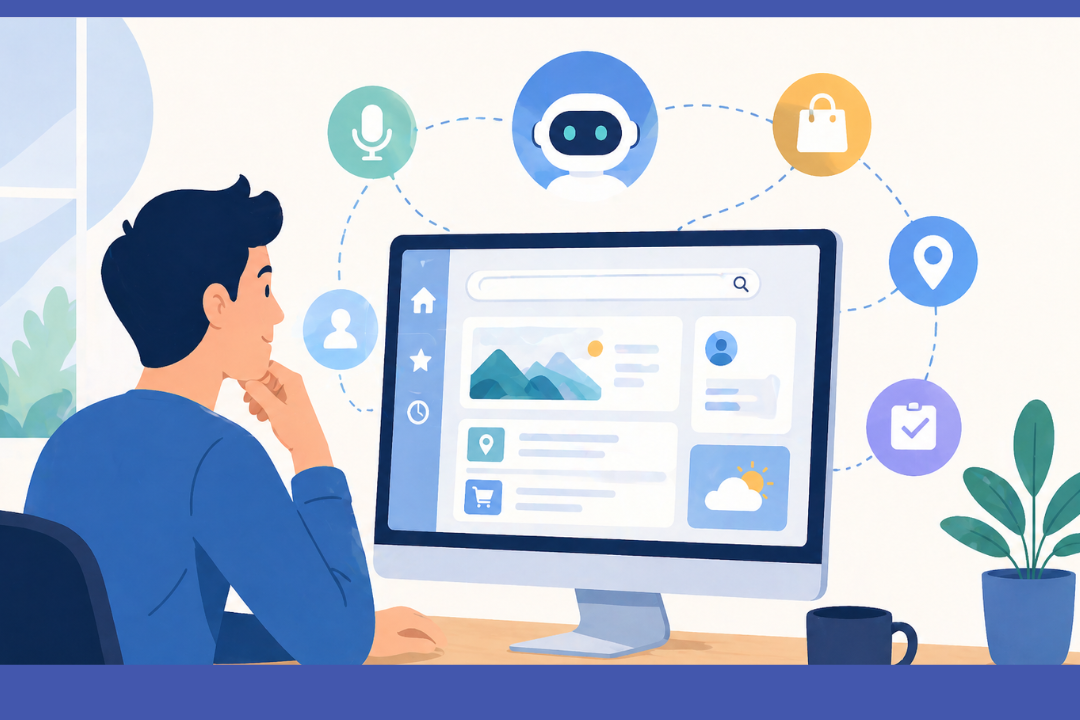
Hovering over a button, typing a search into Google, clicking through a menu. These actions have been part of our daily digital habits for years. But things are changing. Today, you ask your phone to find a restaurant, and it answers directly. You unlock your device with a glance. You book a table without ever touching your screen.
These invisible interactions are what define Zero UI. But what does it really mean, and more importantly, how does it impact your online presence? Let’s take a closer look.
WHAT IS ZERO UI?
In simple terms, Zero UI stands for “zero user interface.” It is a design approach built around invisible interactions. Instead of clicking buttons, users rely on their voice to search, use facial recognition to unlock their devices, or scan a QR code to instantly access information.
With Zero UI, designers must think beyond the screen. Interactions need to feel intuitive and anticipate user needs. The goal is to create an experience where people interact with technology as naturally as they would with another human.
WHY IS ZERO UI EMERGING NOW?
Zero UI has grown rapidly in recent years, largely driven by the rise of smart assistants in our daily lives. Think of Siri making calls without you touching your phone, Alexa or Google Home ordering products for you, or ChatGPT generating a recipe based on what you have in your fridge.
These tools have changed how we live, consume, and search for information. We now expect processes that are simple, fast, and human-like. According to a Bain & Compagny study, in 2024, 80 percent of consumers relied exclusively on “zero-click” results for at least 40 percent of their searches. In practical terms, this means that when someone searches for the best Italian restaurants in Montreal, AI provides a curated list with reviews and pricing without the user ever visiting a website.
For businesses, this creates a major challenge. How do you stay visible when users no longer need to click?
Personalization is another key driver behind this trend. Artificial intelligence continuously improves its predictions based on user behavior, delivering increasingly relevant results. In a Zero UI environment, this personalization becomes invisible. Your voice assistant remembers your preferences, your GPS suggests your usual route to work, and your smart home adjusts lighting automatically as you walk in.
THE KEY PRINCIPLES OF ZERO UI
Understanding the user context
Zero UI systems go beyond simply answering a request. They analyze multiple layers of information to deliver highly relevant results.
This includes:
- Context: Where is the user? What time is it? Why are they interacting?
- Intent: What is the user trying to achieve?
- Behavior: What has the system learned from past interactions?
For example, if you ask a voice assistant, “Find me a restaurant,” the AI considers that you are in Montreal, that it is 6:30 PM, that you are likely looking for dinner, and that you prefer Italian food. It can then suggest three highly rated Italian restaurants nearby without you having to specify all those details.
All of this contextual data is used to personalize the interaction without requiring extra effort from the user.
Natural conversations
Even when interacting with a machine, users expect a human-like experience. Traditional keyword-based searches are becoming less common. People now search using full sentences and questions, especially when using voice assistants.
Instead of typing “Italian restaurant Montreal,” you might say, “What are the best Italian restaurants in Montreal?” If the first suggestion is not suitable, you can naturally follow up with, “Show me something closer.” The AI understands that “something” refers to a restaurant and that “closer” means near your current location.
To support these interactions, AI systems must understand language nuances, regional expressions, and accents.
For example, the word “déjeuner” means breakfast in Quebec but lunch in France. The same word, used in different cultural contexts, leads to completely different results.
Seamless User Experience
Zero UI relies on a fluid, multimodal experience. In other words, users can move from one interaction method to another without interruption.
For example, you ask your phone to find an Italian restaurant. Later, when you continue your search on your computer, suggestions are already available. You browse menus, make a reservation, and receive a confirmation on your smartwatch. Voice, visual, and gesture-based interactions work together seamlessly.
Because Zero UI often removes visible interfaces, users may not always see confirmation of actions or errors. This makes feedback essential. Sound cues or haptic feedback help confirm that a request has been successfully processed.
WHY YOU SHOULD START THINKING ABOUT ZERO UI NOW
Zero UI should already be part of your digital strategy. According to Gartner, 70 percent of customer service interactions will be handled by AI assistants on mobile devices by 2028.
A successful Zero UI experience must be built around your customers and their real needs. Start by identifying friction points in your current user journey. Where do users get frustrated? Which steps could be simplified or removed?
Zero UI does not require a complete overhaul overnight. Instead, it encourages you to rethink how you deliver value.
HOW TO ADAPT TO ZERO UI WITHOUT REVOLUTIONIZING EVERYTHING
Adopt a GEO strategy. Your content should be structured to support AI-generated summaries. Answer customer questions clearly, use simple definitions, and organize information logically.
Think in terms of conversation rather than navigation. Write your content as if you were speaking directly to a client and prioritize complete, natural sentences.
Optimize your website for a Zero UI environment. Make sure your content addresses common questions, your contact information is easily accessible to voice assistants, and your site loads quickly on mobile devices.

Roxane has always written and dreamed of making a living from her pen. Now a web editor, proofreader and author, we can say that it's mission accomplished!